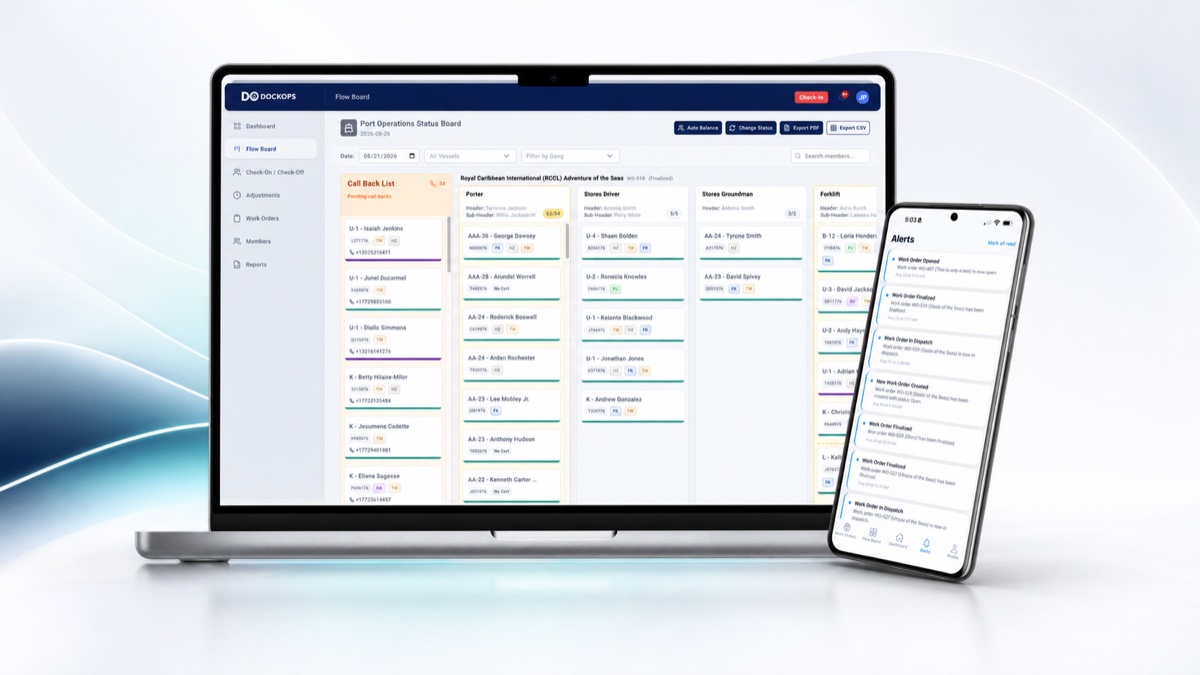
The DockOps API, automated and manual reports, and DockOps: Pension & Welfare, with access controlled by the local.
Can We Review a Pension & Welfare Contribution Example?
Yes. The DockOps website has a fictional employer contribution walkthrough showing source hours, a sample rule, investigation and confirmation, partial receipts, settlement, and separate office/member evidence views. The integrations page includes illustrative manual and recurring CSV reports. These are review examples; office contribution rules, payment allocation, API mappings, report delivery, and member-facing evidence are configured and validated for the agreed implementation.
Can DockOps Connect to Our Existing Systems?
Yes. DockOps has an API for connecting existing payroll, benefit, and operational systems. It also provides automated reports for recurring delivery and manual reports generated on demand, with exports of approved records. API updates depend on the connected system’s supported interfaces. For the most complete, real-time pension and welfare integration, an office can use DockOps: Pension & Welfare within the same platform. The local controls the data each office can access.
Does DockOps Support Pension & Welfare Offices?
Yes. A Pension & Welfare office can connect its existing system through the DockOps API, receive automated reports, or generate manual reports on demand. It can also use the DockOps: Pension & Welfare module for the most complete, real-time integration of approved member records, work hours, employer contributions, reconciliation, and reporting. Pension & Welfare is treated as one office. The local controls which records that office can access and export.
Can Vacation & Holiday Fund Offices Use DockOps Too?
Yes. DockOps supports Vacation & Holiday Fund offices as a distinct group alongside Pension & Welfare. Their workflows can use hours, employer contribution records, and reporting through direct API connections, automated or manual exports, or DockOps modules. The local approves access to its records and the information shared with the fund office.
Does DockOps Support Clerks and Checkers Locals?
Yes. DockOps supports clerks and checkers locals through its dispatch, timesheet, payroll analysis, administration, and member-record modules, configured around the local’s roles and rules. Related locals and offices can connect through approved integrations or use DockOps modules, with each local controlling access to its own records.
Are Dispatch Hours the Official Benefit Eligibility Hours?
Dispatch check-in records provide operational context and may include estimates. DockOps keeps recorded authoritative hours and their source distinct from those estimates. Each fund defines its qualifying hours, reporting year, and final eligibility decisions. Work performed outside DockOps still needs the appropriate authoritative records or imports.
Who Controls Access When Another Office Connects?
The local union controls access to its DockOps records. It decides which offices and users can connect, what they can view, and what they can export. Direct integrations and shared modules use only the access the local authorizes, so connecting another system does not grant unrestricted access to member information.